Zin Feed: Transform Your RSS Reading Experience Into Beautiful E-book Collections
Zin Feed: Transform Your RSS Reading Experience Into Beautiful E-book Collections
In today’s information-rich digital landscape, RSS feeds remain one of the most efficient ways to stay updated with your favorite content sources. However, traditional RSS readers often leave us with fragmented reading experiences scattered across multiple platforms. What if you could transform your RSS subscriptions into beautifully organized e-book collections that you can read offline on your Kindle, iPad, or any e-reader device?
Enter Zin Feed - a revolutionary iOS application that bridges the gap between RSS content consumption and premium reading experiences. This innovative app doesn’t just manage your RSS subscriptions; it transforms them into professionally formatted EPUB and PDF collections, giving you the power to create your own personalized digital magazines.
Why RSS to E-book Conversion Matters
The average information worker checks over 100 different sources daily, leading to reading fatigue and decreased comprehension. Studies show that focused, offline reading improves retention by up to 42% compared to fragmented online browsing. Zin Feed addresses this challenge by:
Eliminating Digital Distractions: Convert web-based content into distraction-free e-books that promote deep reading without notifications, ads, or hyperlinks pulling your attention away.
Creating Portable Libraries: Your converted content requires no internet connection, making it perfect for commuting, traveling, or reading in areas with poor connectivity.
Enabling Cross-Device Compatibility: Generated e-books work seamlessly across Kindle, iPad, Android tablets, and desktop e-readers, ensuring consistent formatting regardless of your preferred reading device.
Core Features That Set Zin Feed Apart
Intelligent RSS Management
Adding RSS sources is as intuitive as bookmarking websites. You can manually input RSS addresses, batch import OPML files, or simply enter website URLs and let the app automatically discover RSS feeds. This eliminates the common frustration of hunting down RSS feed addresses.
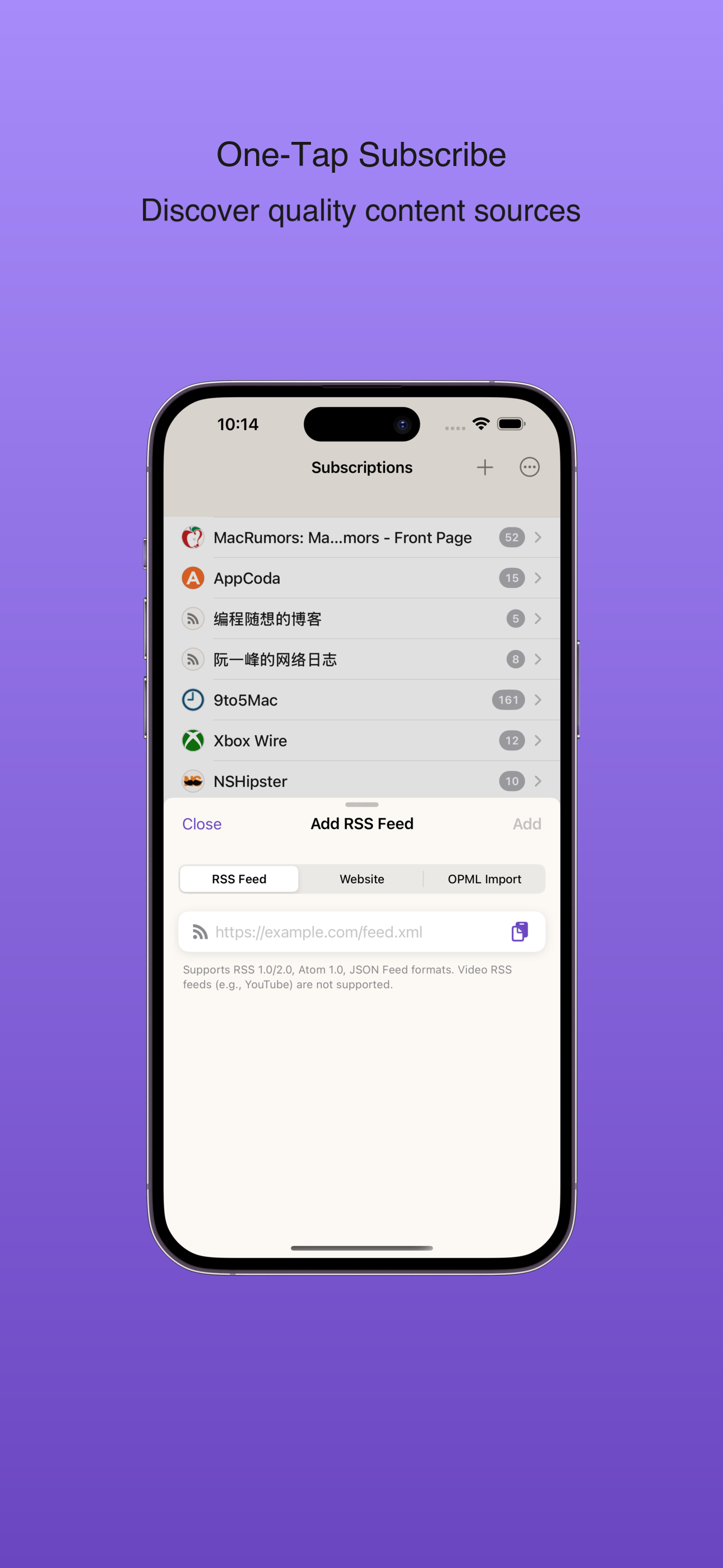 *Simple and intuitive RSS source management*
Smart Background Updates
When your device is charging, Zin Feed automatically fetches the latest articles without manual intervention. This ensures you always have fresh content ready for conversion while preserving battery life during active use.
Flexible Content Organization
The app’s standout feature lies in its sophisticated grouping options. You can organize articles by publication date to create:
- Daily editions (like newspapers)
- Monthly compilations (like magazines)
- Yearly collections (annual archives)
- Complete archives (comprehensive collections)
This flexibility allows you to create themed e-books that match your reading preferences and schedule.
Dual-Format Export Excellence
Whether you prefer EPUB’s reflowable text or PDF’s fixed formatting, Zin Feed delivers professional-quality output. Generated e-books can be sent directly to Kindle through the Amazon Kindle app or transferred to any compatible reading device.
Streamlined Reading Experience
Subscription Management
The main subscription view displays all your RSS sources with intuitive gesture controls:
- Left swipe: Access export options for EPUB/PDF conversion and mark-as-read functionality
- Right swipe: Quick unsubscribe option
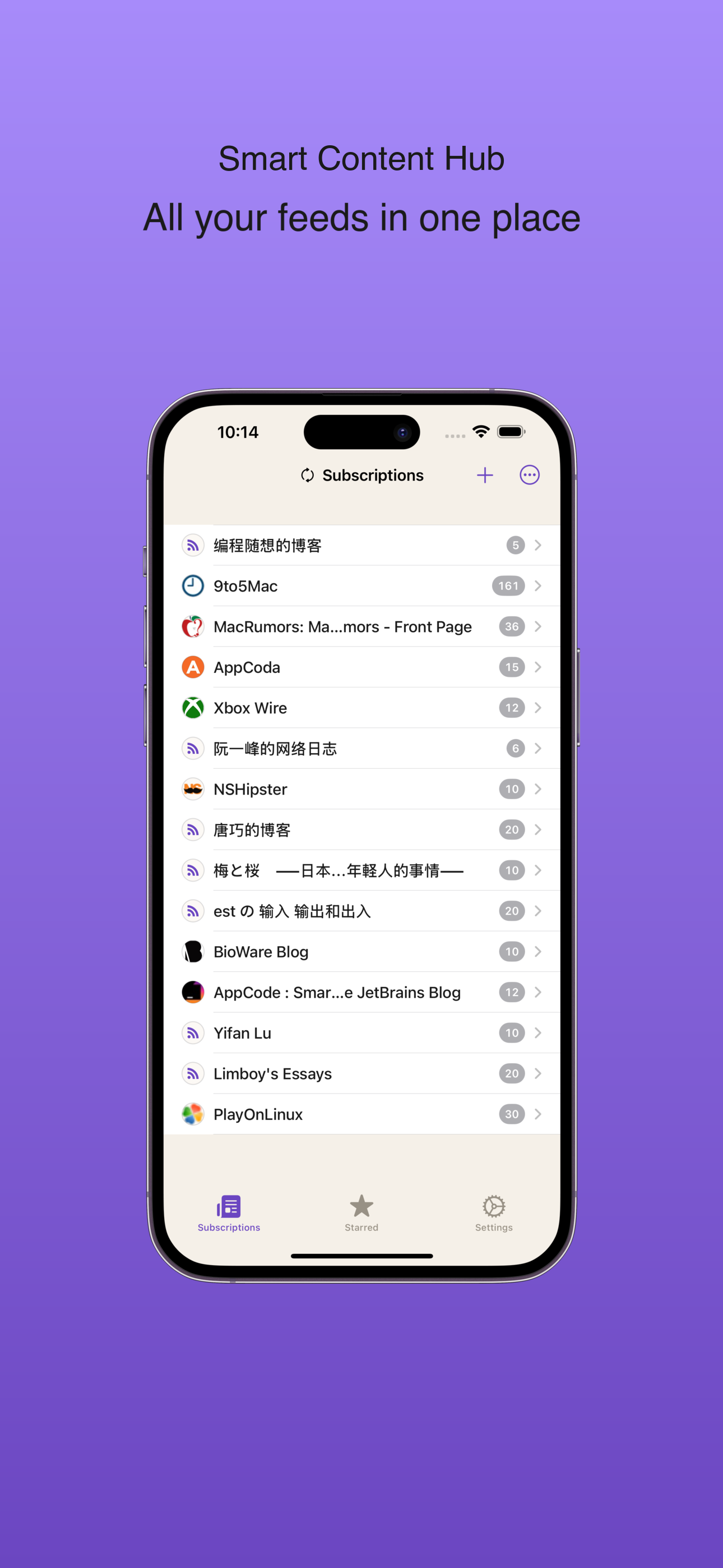 *Clean and organized subscription management interface*
Feed Customization
Each RSS feed can be individually configured with:
- Grouping preferences: Define how articles should be organized during export
- Language settings: Ensure proper font rendering on e-readers by setting automatic or manual language detection
- Export parameters: Customize output formatting for optimal reading experience
Article Management
Individual articles offer seamless reading with automatic read-status tracking, one-tap favoriting, and browser integration for accessing full web versions when needed.
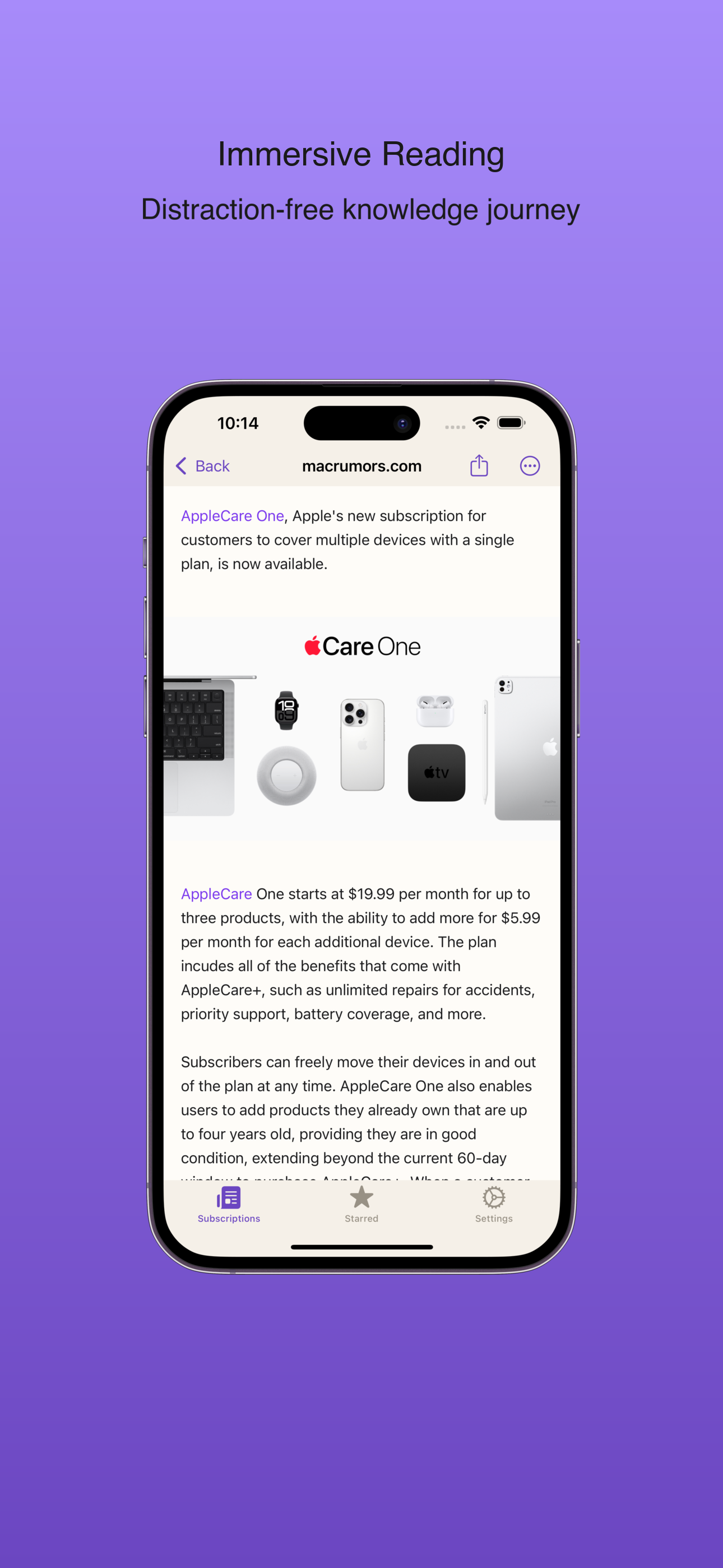 *Distraction-free article reading interface*
Free vs. Professional Features
Free Version Includes:
- Complete RSS management and reading capabilities
- EPUB and PDF export functionality (5 exports per month)
- Manual content updates and full reading interface
Professional Upgrade Benefits:
- Unlimited exports: Create unlimited e-book collections without monthly restrictions
- Watermark-free output: Generate clean, professional-quality e-books
- Background auto-refresh: Automatic RSS updates during charging periods
Privacy-First Approach
In an era of increasing data privacy concerns, Zin Feed operates with complete anonymity. The app doesn’t collect personal information, track reading habits, or store user data on external servers. Your reading preferences and converted content remain entirely under your control.
Perfect Use Cases
Content Professionals: Curate industry newsletters and blog posts into monthly professional development collections.
Students and Researchers: Organize academic RSS feeds into subject-specific e-books for offline study sessions.
News Enthusiasts: Create daily news digests from multiple sources for distraction-free morning reading.
Commuters: Build comprehensive content libraries for offline reading during travel or in areas with poor connectivity.
Getting Started with Zin Feed
The onboarding process is designed for immediate productivity:
- Import your existing subscriptions via OPML file or add new RSS sources manually
- Configure grouping preferences for each feed based on your reading habits
- Set up automatic background updates to ensure fresh content availability
- Export your first collection and experience the transformation from scattered feeds to organized e-books
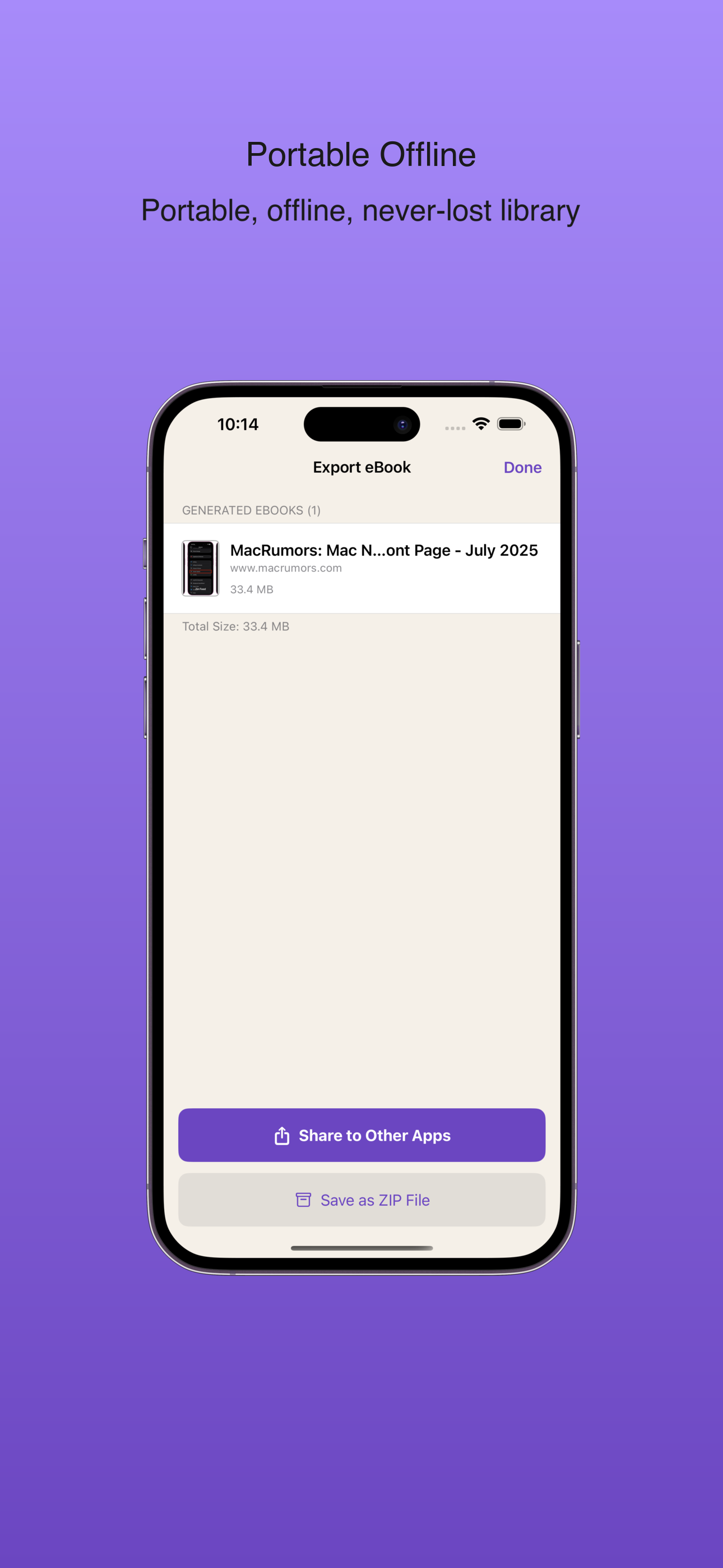 *Successfully exported e-books ready for your reading devices*
The Future of RSS Reading
Zin Feed represents a paradigm shift in how we consume RSS content. By combining traditional feed management with modern e-book technology, it creates a reading experience that prioritizes focus, organization, and accessibility across devices.
Whether you’re a knowledge worker seeking to optimize information consumption, a student building research libraries, or simply someone who values quality reading experiences, Zin Feed transforms the way you interact with RSS content.
Conclusion
The digital information landscape doesn’t have to be chaotic and fragmented. With Zin Feed, your RSS subscriptions become the foundation for a curated, organized reading experience that travels with you across all your devices. By converting feeds into professional e-book collections, you’re not just reading content – you’re building a personalized knowledge library that grows more valuable over time.
Download Zin Feed today and discover how RSS reading can return to pure reading pleasure, enhanced by the convenience and elegance of modern e-book technology.
Download Links:
Notes:
Meta Description: Transform RSS feeds into beautiful EPUB and PDF collections with Zin Feed - the iOS app that revolutionizes reading.
Keywords: RSS to EPUB converter, RSS to PDF, Zin Feed iOS app, RSS reader app, e-book converter, Kindle RSS, offline reading app